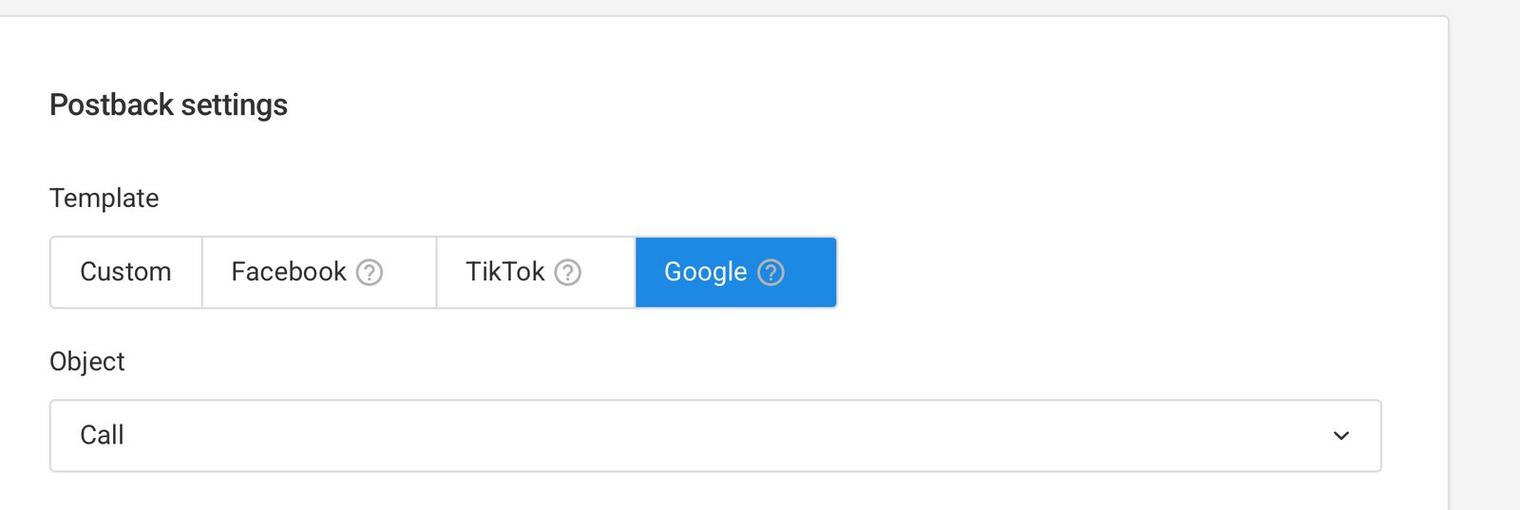
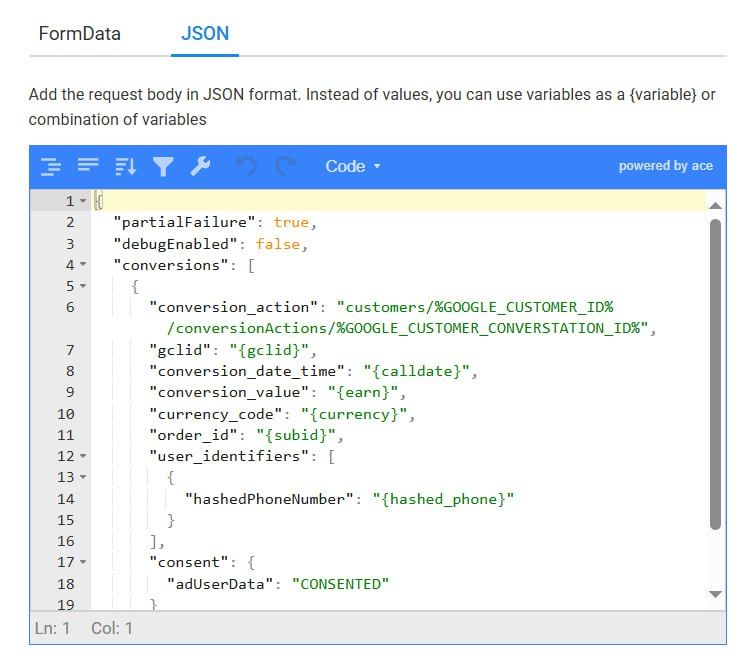
%GOOGLE_CUSTOMER_ID%Where to get: This is the Google Ads account ID (without dashes). You can find this in your Google Ads interface (e.g., 123-456-7890 format).
%GOOGLE_CUSTOMER_CONVERSTATION_ID%Where to get: This is the conversion action ID. You can find it in the Google Ads UI under Tools > Conversions or via the Google Ads API.
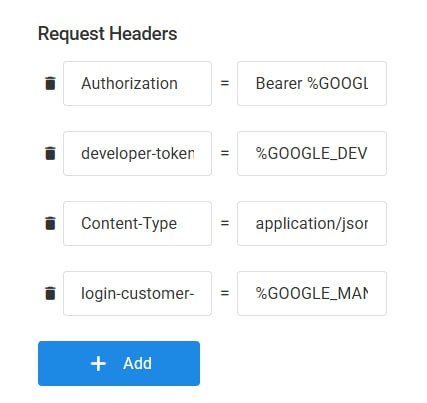
%GOOGLE_OAUTH_TOKEN%Where to get: This is an OAuth2 access token. Obtain it by completing the OAuth2 flow via Google Ads API. It requires credentials linked to your Google Ads account.
%GOOGLE_DEVELOPER_TOKEN%Where to get: This is the developer token from your Google Ads API. You can find it in your Google Ads API Center under 'Tools & Settings > API Center.'